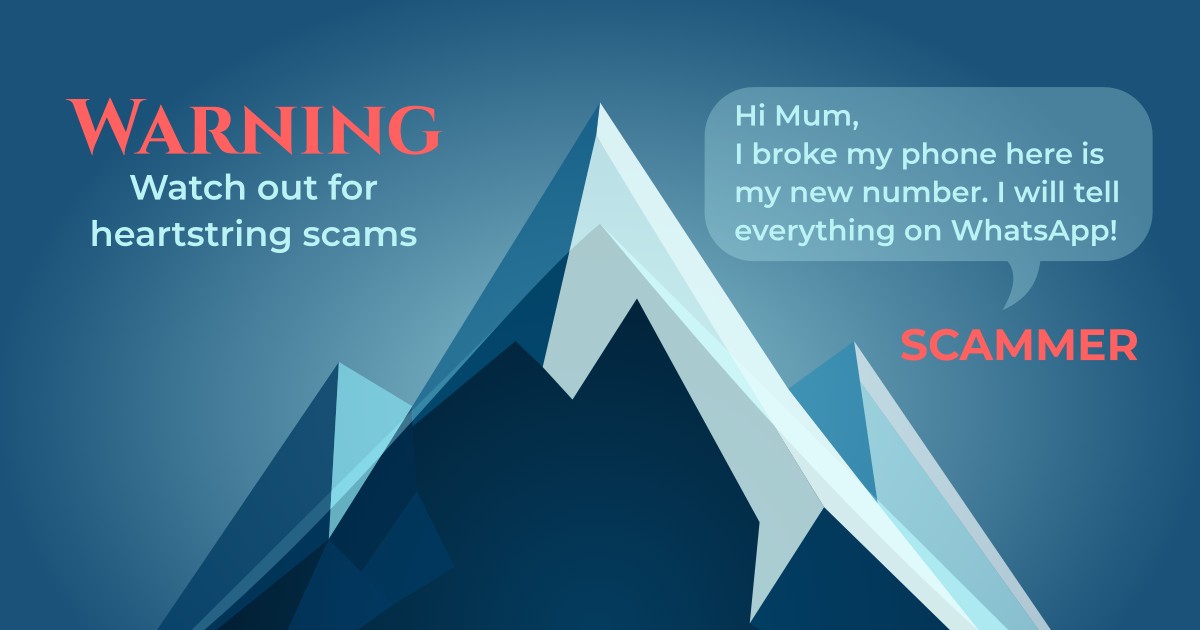
Clicked a suspicious link? Don't panic. Here's what to do.
Immediate Actions (First 5 Minutes)
1. Disconnect from the Internet
Turn on Airplane Mode immediately to prevent data transmission.
2. Don't Enter Any Information
- Don't enter passwords
- Don't enter credit card numbers
- Close the browser immediately
3. Screenshot Everything
Save the message and URL for reporting.
Next Steps (First Hour)
4. Run a Security Scan
Check for suspicious apps or downloads.
5. Clear Browser Data
Clear browsing data to remove tracking cookies.
Account Security (First 24 Hours)
6. Change Critical Passwords
Prioritize:
- Email accounts
- Banking apps
- Social media
- Shopping sites
Important: Use a different device to change passwords.
7. Enable Two-Factor Authentication
Enable 2FA on all important accounts.
8. Monitor Your Accounts
Watch for:
- Unexpected login notifications
- Password reset emails
- Unfamiliar transactions
Financial Protection
9. Contact Your Bank
If you entered financial information:
- Call your bank's fraud department
- Freeze cards if necessary
- Set up transaction alerts
Reporting
10. Report the Scam
- Forward the text to 7726 (SPAM) (U.S. only)
- Report to the FTC at reportfraud.ftc.gov (U.S.)
- Optionally, report to Montiguard support at support@Montiguard.com for additional assistance
Prevention
Install Montiguard to catch scams before you see them.
Stay safe, and remember—quick action is key.